

Pro feature
Keep a prompt's context beside the prompt
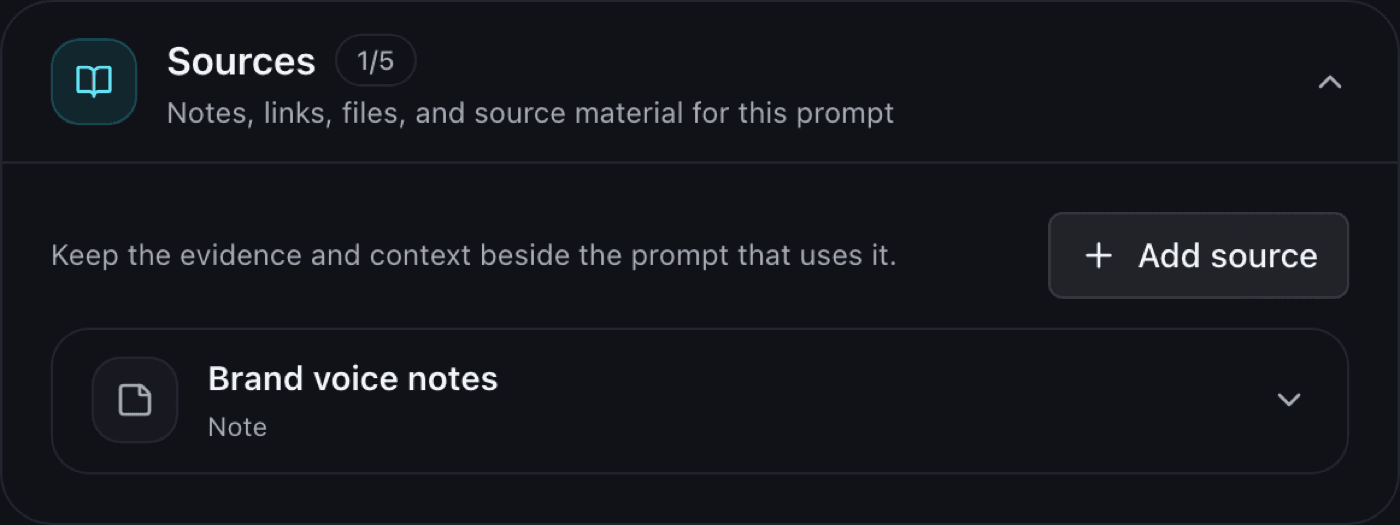
Most good prompts depend on context: a style guide, a reference page, a spec PDF, a screenshot. Prompt Sources keep that material attached to the prompt that uses it, so six months from now the prompt still makes sense.
Five kinds of source
Notes
Free-form text saved with the prompt — tone rules, audience notes, the reasoning behind a constraint.
Links
Links to the documentation, article, or reference the prompt draws on — you can attach more than one.
PDFs
PDF files up to 10 MB — specs, briefs, research papers.
Documents
Documents up to 1 MB — Word, Excel, PowerPoint, or plain text. Their text is extracted so it stays searchable beside the prompt.
Images
Images up to 1 MB, such as screenshots, mockups, or brand references.
Each prompt holds up to 5 sources. Sources are private to your account and are never shared unless you explicitly share the prompt.
What it looks like
Why beside the prompt, not in it
Pasting context into the prompt body makes prompts long, brittle, and hard to reuse. Keeping it as attached sources means the prompt stays short and reusable while the evidence stays reachable — you open the source when you need to check it, not every time you copy the prompt.
Prompt Sources are part of the coming Pro plan. See pricing for the full comparison, or start with the free saving workflow — sources can be added to any prompt later. For questions, email support@isaveprompts.com.
Start your prompt library
Free includes unlimited Prompts, Topics, and tags, with sharing, invites, and recovery tools. No card required.